Apple Music is often seen as a service designed mainly for Apple users.
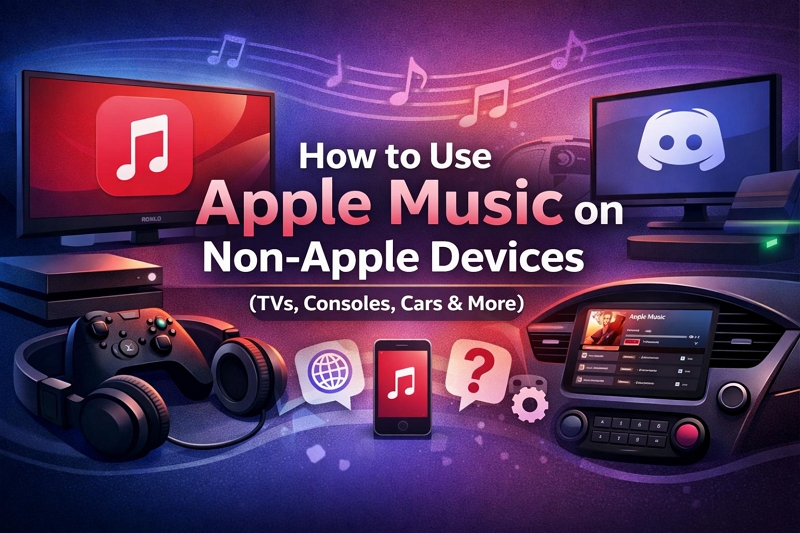
But in reality, many people listen to Apple Music on non-Apple devices every day — whether it’s a Roku TV in the living room, an Xbox used for gaming, Discord running in the background, or a car system like Tesla.
If you’ve ever searched “Can I use Apple Music on this device?”, you’re not alone.
The answer is rarely a simple yes or no.
Apple Music does work outside the Apple ecosystem, but support is inconsistent and sometimes confusing. Some devices offer native apps, some only work through a browser, and others depend entirely on a connected iPhone.
Below, we break down how Apple Music works across different types of non-Apple devices — including TVs, game consoles, social platforms, and vehicles — so you can quickly decide which setup actually works for your needs.
Can Apple Music Be Used on Non-Apple Devices?
Yes — Apple Music can be used on many non-Apple devices.
However, the experience can feel very different depending on the platform you’re using.
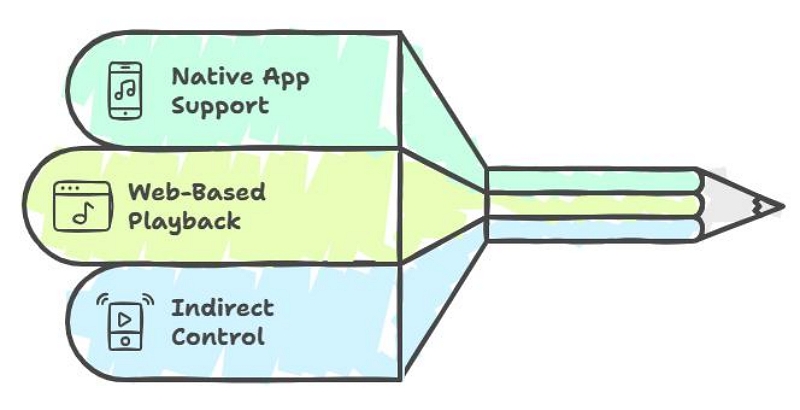
In practice, Apple Music works outside the Apple ecosystem in three main ways:
- Native app support – The device has an official Apple Music app.
- Web-based playback – Music plays through a browser instead of a system app.
- Indirect control via iPhone – Playback relies on AirPlay or Bluetooth from an Apple device.
Knowing which category your device falls into helps you set realistic expectations — especially if you want background playback, hands-free controls, or independent use without a phone.
How Apple Music Works Outside the Apple Ecosystem
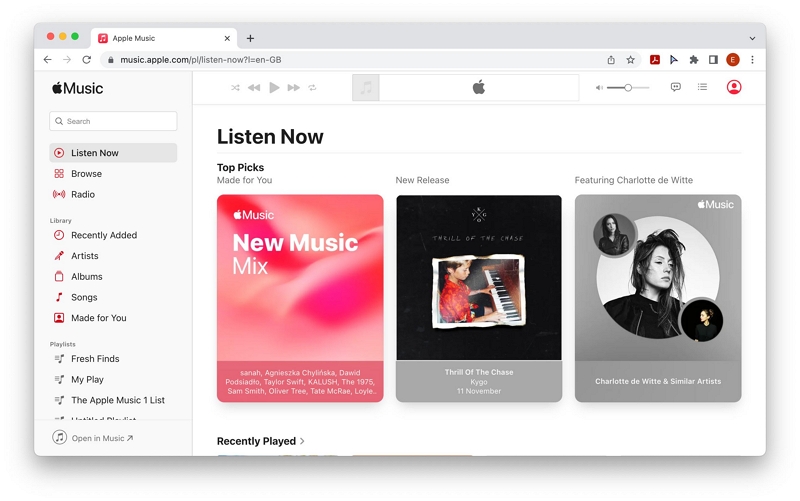
Apple Music Web Player
The Apple Music web player is often the fallback option when native apps aren’t available.
It works on most devices with a modern browser, including computers and some smart TVs.
That said, many users find the web player limiting. Features like background playback, system-level controls, and offline listening are restricted, which can make everyday use less convenient.
For occasional listening, the web player may be enough. But if you expect background playback or deeper system integration, it often falls short.
Devices with Native Apple Music Apps
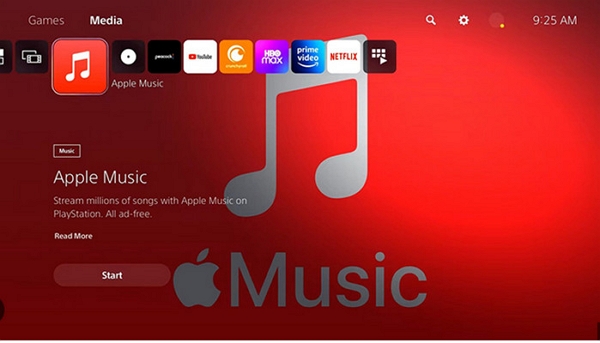
A small number of non-Apple platforms offer official Apple Music apps.
These apps usually provide a smoother experience and don’t require an iPhone to function.
Gaming consoles are one of the few categories where this kind of support exists, making them a popular option for users who want Apple Music playing in the background while doing something else.
However, native Apple Music support on non-Apple devices is still rare and limited to specific platforms.
Using Apple Music with a Connected iPhone
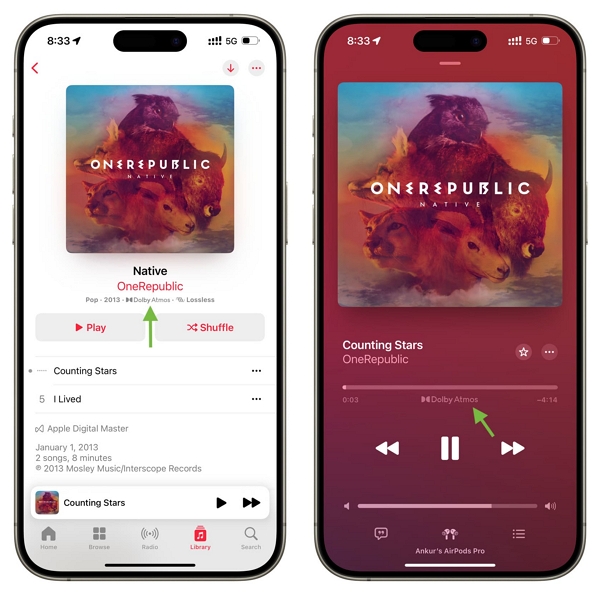
On many non-Apple devices, Apple Music works because an iPhone fills the gap.
AirPlay and Bluetooth are commonly used for playback on TVs, speakers, and vehicles — especially when no native app is available. This method expands compatibility, but it also means Apple Music isn’t fully independent on the target device.
If your phone disconnects or runs out of battery, playback usually stops.
Apple Music on Streaming Devices & Smart TVs
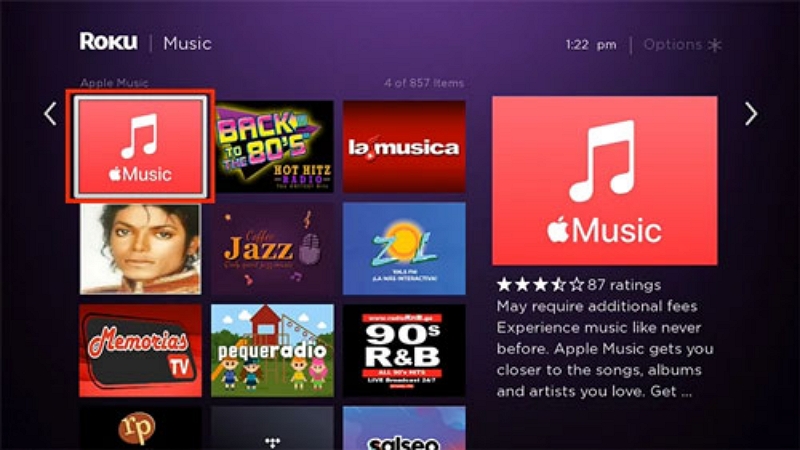
Apple Music on Roku
Roku does not offer a native Apple Music app, which often surprises first-time users.
Still, Apple Music can be used on Roku through the Apple Music web player or by connecting a phone for playback.
If you only want simple background music on a TV, this setup may be sufficient.
But if you expect hands-free control or independent playback, Roku has clear limitations.
Learn more: How to Use Apple Music on Roku
Apple Music on Gaming Consoles
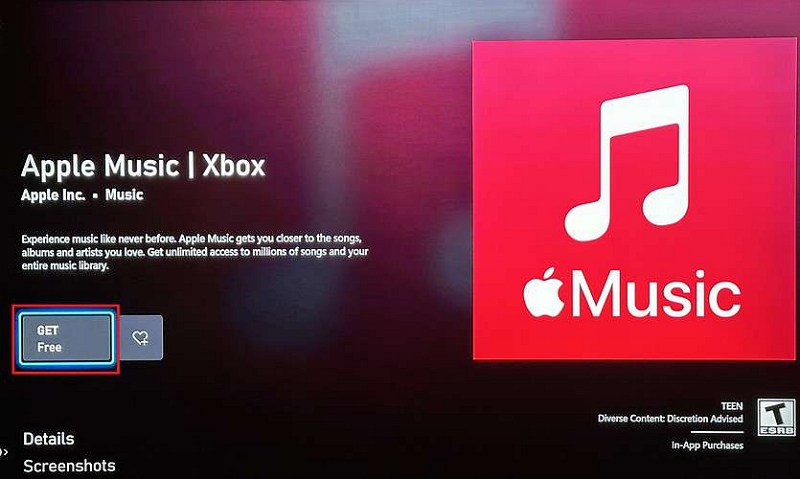
Apple Music on Xbox
Xbox is one of the few non-Apple platforms with an official Apple Music app.
You can stream music directly on the console without needing an iPhone, making it easy to control playback while gaming.
While the experience is generally smooth, some advanced Apple Music features are still limited compared to Apple devices.
Learn more: Apple Music on Xbox
Apple Music on Social & Communication Platforms
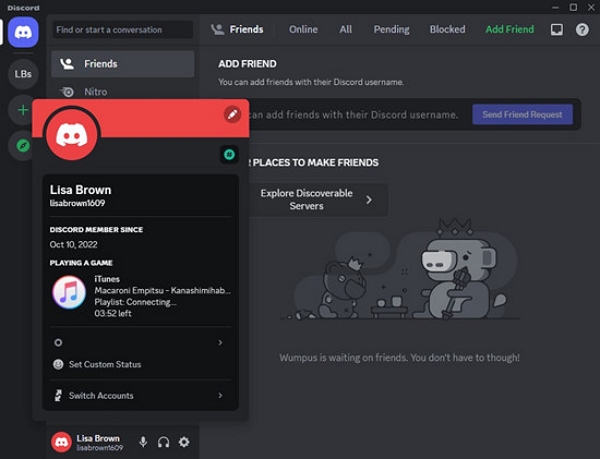
Apple Music on Discord
Discord does not officially support Apple Music integration.
You can’t stream Apple Music directly into voice channels. In practice, users mainly use Apple Music alongside Discord by showing listening activity or relying on third-party bots.
Because these methods are unofficial, features may be limited and can stop working without notice.
Learn more: Apple Music on Discord
Apple Music in Cars & Vehicles
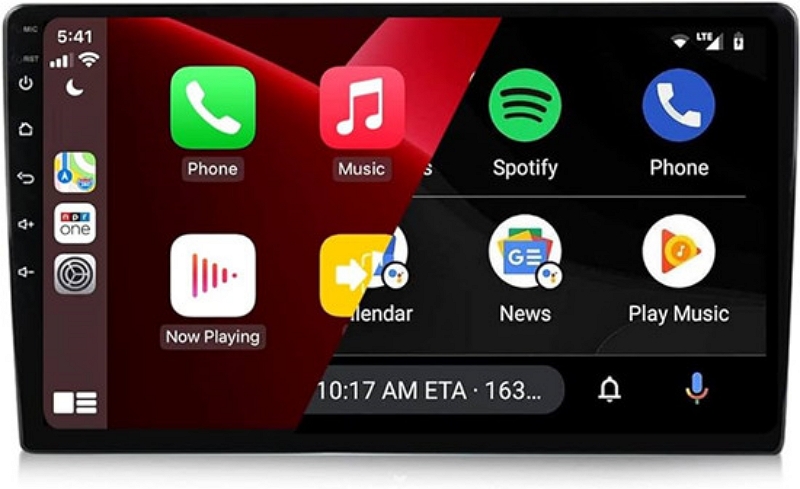
Apple Music on Tesla
Tesla offers partial Apple Music integration, but support is not consistent across all vehicles.
In supported regions and newer models, Apple Music can be used directly through Tesla’s built-in system and typically streams using the car’s data connection. In other cases, playback relies on a connected phone, which means music is streamed using mobile data from the phone.
Because availability depends on region, vehicle model, and software version, the experience can feel seamless for some drivers and frustrating for others.
Learn more: Apple Music on Tesla
Apple Music Compatibility on Non-Apple Devices
| Device | Native App | iPhone Required | Web Player |
|---|---|---|---|
| Roku | No | Optional | Yes |
| Xbox | Yes | No | No |
| Discord | No | Yes | No |
| Tesla | Partial | Optional | No |
Tip: If a device doesn’t offer a native Apple Music app, your experience will usually depend on web playback or a connected iPhone — which often comes with limitations.
Frequently Asked Questions
Can Apple Music be used without Apple devices?
Yes, Apple Music can be used on many non-Apple devices, but functionality depends on whether the platform supports a native app, web playback, or requires an iPhone connection.
Does Apple Music work on smart TVs?
Some smart TVs support Apple Music indirectly through browsers or connected devices, but native apps are rare.
Can Apple Music be used in cars without CarPlay?
In certain vehicles, such as Tesla, Apple Music may work independently or partially without CarPlay, depending on region and system support.
Why is Apple Music not supported on some platforms?
Apple Music availability depends on platform partnerships, system compatibility, and licensing limitations.
Conclusion
Apple Music isn’t exclusive to Apple devices, but the experience outside the Apple ecosystem varies widely. Some platforms offer native apps, others rely on web playback, and many still depend on a connected iPhone.
Understanding how your specific device supports Apple Music helps you choose the most reliable way to listen — and avoid setups that look supported on paper but don’t work well in real life.